How do you document workshops and events?
Why Not Turn It Into a Shared Effort?
One thing I have learned in my facilitator training is: The best documentation is the documentation you create during the event, through the participants. You want every use case to be submitted in a certain form? Better make sure your participants work already into the form during the workshop. You want concrete follow-up actions and responsibles? Let the group create them (and take ownership).
In short: Let the crowd do the work. That’s not a cheap way to avoid labour, it’s a smart way to create the freedom to focus on the facilitation.
How It Works
Imagine the following: Your participants enter the room. On each whiteboard and in your presentation they find a QR code.
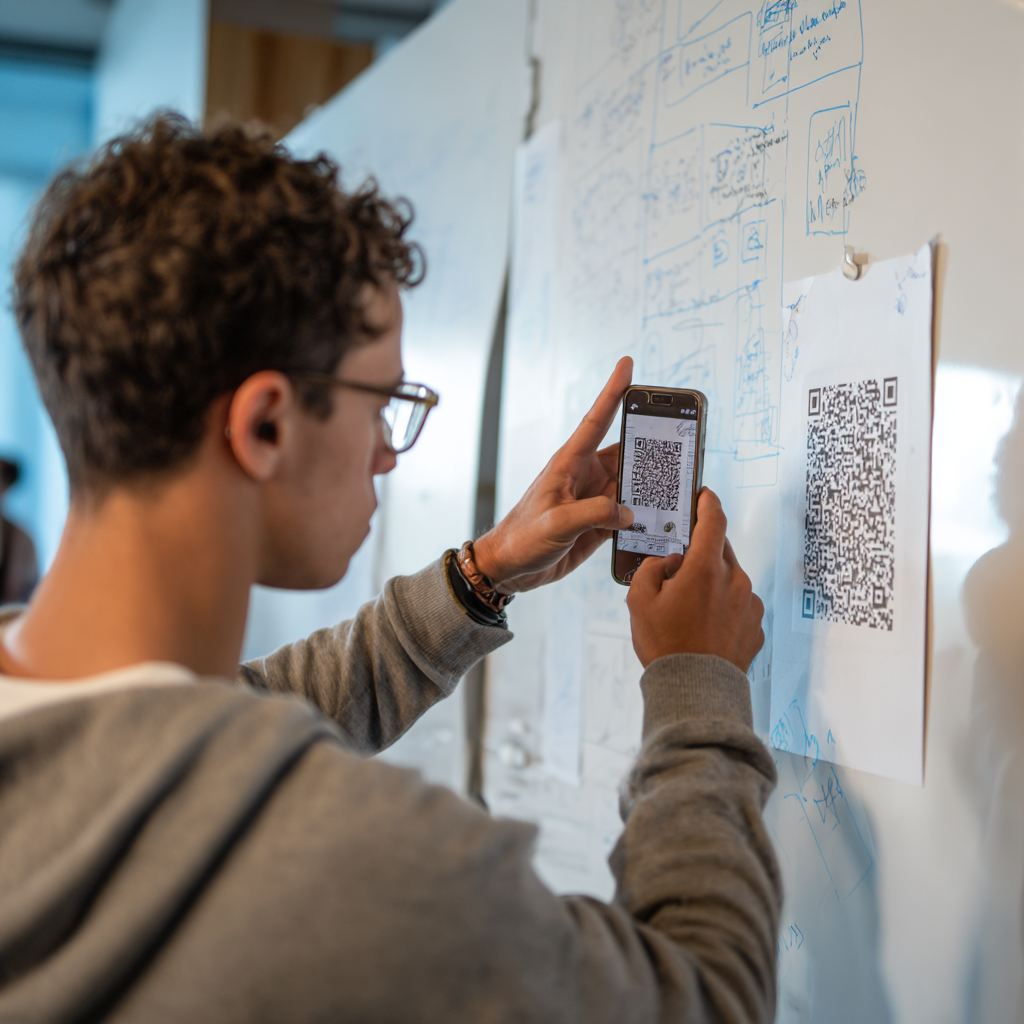
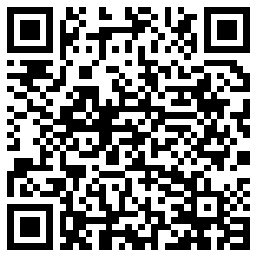
The QR code takes them straight to a dialogue in which they give their consent to share their images. Then to the camera. Try it out!
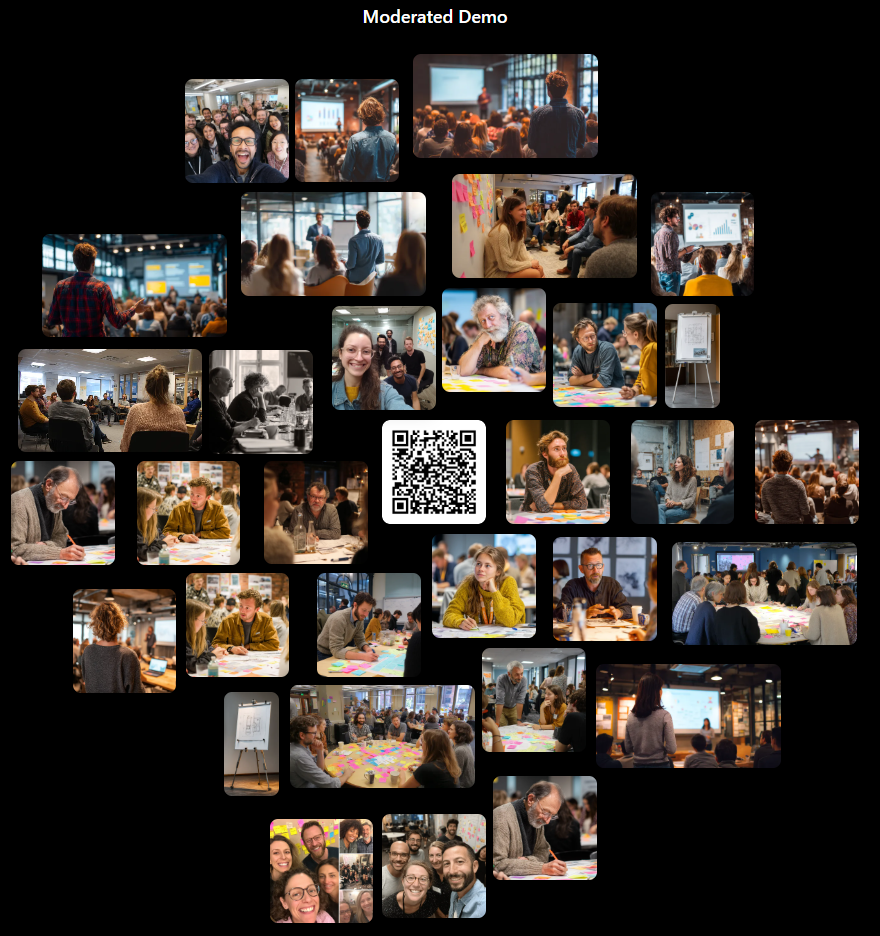
Now they can upload images to a mosaic as you see it above. If they keep the browser open, they can add more images – otherwise they simply scan the QR code again and can go.
The barrier to contribute images to the workshop documentation can’t be lower. No app to install, no account to create. Phone, scan, snap, done – the whole thing takes under 30 seconds.
Moderated and Unmoderated
There are two modes of how a picture gets on the mosaic:
In the unmoderated version, every upload is immediately shown on the mosaic. That’s perfect for groups in one room, specifically when you use the presenter view of the application. Photos appear in real time – the display refreshes every three seconds, and you can watch the mosaic grow as people contribute.
For bigger groups, there’s a moderated workflow in which you accept each contribution. That’s as simple as pressing x for “don’t show this” or 3, 2, 1 to rate the image. The “number 1” images are the best ones and shown in the center of the mosaic.
After the Workshop
When the workshop is over, you can download the full archive of all images (except the ones you marked with x). You can give that download option to the participants as well.
In the future I will likely add an export to Flickr (or other image archive tools – tell me which you want).
Creating a Session
Creating a session is as simple as this:
You configure everything when you create a session or later. In the session creation dialogue you set the dates as well – how long shall uploads be possible, how long shall the session be visible. There is a “delete after” date as well, which is mandatory – my intention is not to build an image archive but a nifty small tool to help you run workshops. After the workshop, you download the images and delete them from the tool (or the tool will do so after the deletion date). You will get email notifications before the tool deletes stuff (check your junk mail folder..).
The Mosaic Layout
The photos arrange themselves in an organic spiral cloud layout that grows outward from the center. It’s not a rigid grid – it feels alive, like the wall is breathing as new images appear. An adaptive paging system keeps things readable whether there are 10 or 1,000 images.
Privacy and Consent
Before uploading, every participant confirms that everyone in the photo agrees to its use. The application is built with GDPR awareness in mind: configurable data retention periods, automatic cleanup of expired sessions, and the mandatory deletion date ensures nothing lingers forever. Data is automatically deleted latest after 60 days.
That’s Basically It
Create the QR code, let people take pictures, moderate (or not), download stuff, be happy about having good documentation of your workshop.
If you want to try it out, you can try the QR code above or ask for an account. Just enter your email address and you'll be put on the signup list.
Credits
I developed this tool with Claude Code and OpenAI’s Codex in a relatively short amount of time. I used Jesse Vincent’s amazing superpower plugins and plenty of my own research, knowledge and infrastructure, but without Claude Code I would not have been able to create the tool.
The images you see in the moderated demo are created by Midjourney.